
QR menu and POS for cafés and restaurants
Guests order from their phone. You just make the food.
Put a QR on each table. Guests browse the menu and send the order — no app to install. You take walk-in orders at the counter, track stock, run promos, and see daily sales. Free to start.

Try it: guest orders, shop receives
Tap + to pick a few items and send. The order lands on the shop side and moves through its statuses.
Quán Xíu
Table 5

Cà phê sữa đá
₫29,000

Trà đào
₫35,000
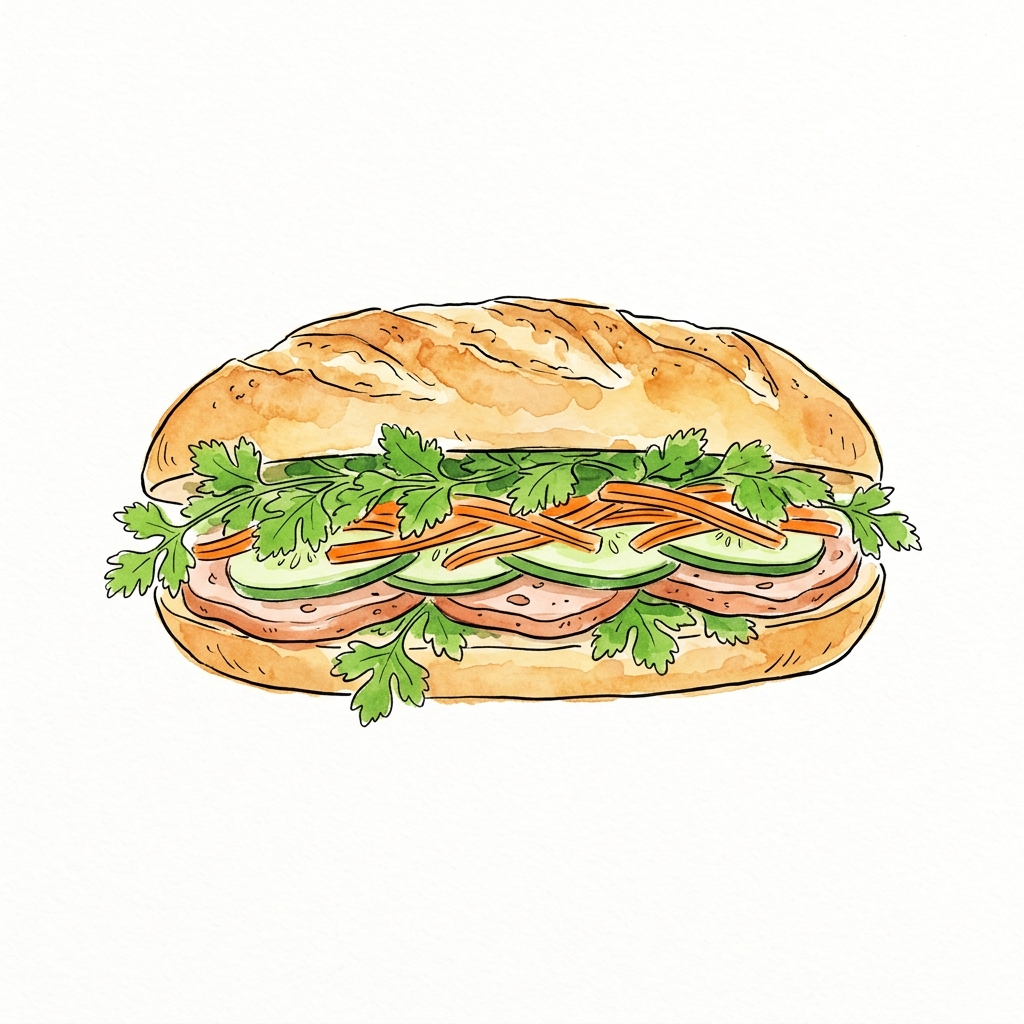
Bánh mì
₫25,000
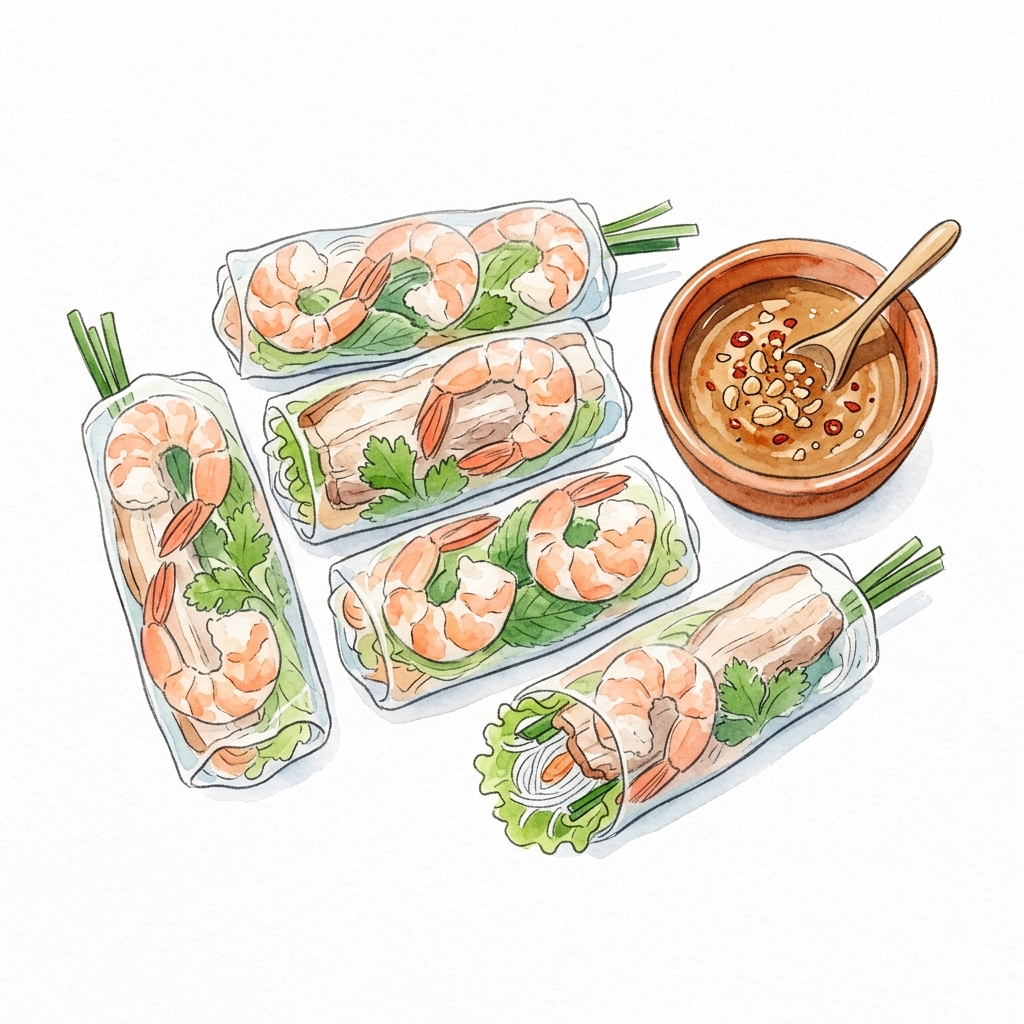
Gỏi cuốn
₫40,000
Orders
- Confirmed
#1042 · Table 2
3 items · ₫98,000
- Completed
#1041 · Table 7
2 items · ₫54,000
Demo only — no real order is sent.
See how it works in 30 seconds
Add an item, create a QR table and ring up your first sale — a few clicks each.
Products
+ Add item- Bạc xỉu 29.000đ
- Trà đào cam sả 35.000đ
What a shop needs every day
QR menus, counter sales, promos, stock, purchasing, shifts, and reports — in one place.
-
QR menu, guests order themselves
One QR per table. Guests scan, see photos, send the order. No app, no login.
-
Items and promos
Add items with photos, prices, and categories. Make discount codes — percent off, a set amount, or buy one get one. Guests enter the code when they order.
-
Sell at the counter
Walk-in guest? Search items, attach a customer, create the order on POS. No need to make them scan.
-
Staff and permissions
Invite people in. Choose who can edit the menu, take orders, or see reports. Owner, manager, and custom roles are there.
-
Stock and cash book
Orders deduct stock. The cash book records money in and out, next to what you sold.
-
Reports
Daily sales, best-selling items, order status, CSV export. A log shows who changed what.
-
Shifts and cash drawer
Open and close shifts, count the drawer. Any cash difference shows up right away — no hand math.
-
Purchasing
Keep suppliers on file and create purchase orders. Mark one received and stock goes up automatically.
-
Customers, invoices, refunds
Keep regulars and what they owe, issue invoices, and handle refunds with an approval step.
One QR per table
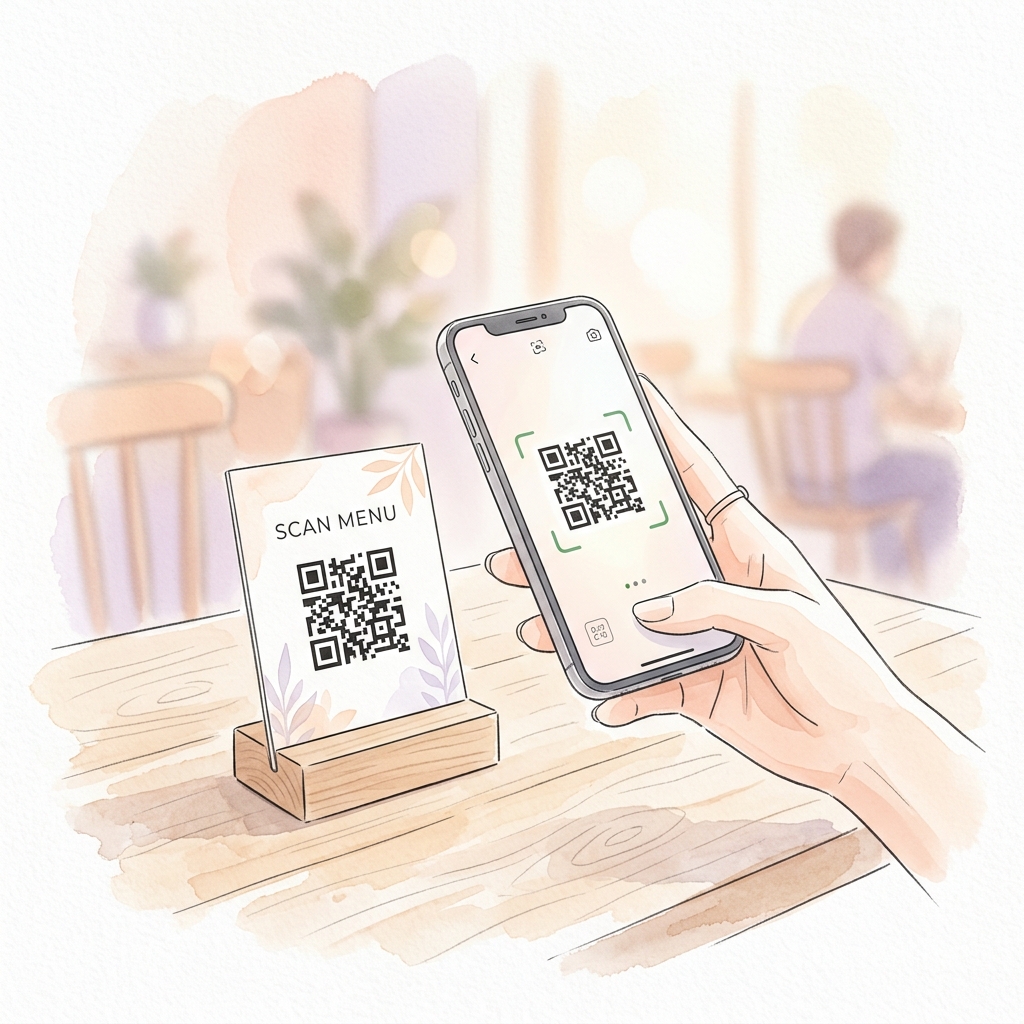
Print a QR and leave it on the table. Guests scan with the camera, see the menu with photos, send the order. No app to download.
- A QR per table — print and put it out
- Menu with photos, descriptions, and prices
- Filter by category so choosing is easy
- Promo codes at checkout

Ask the assistant in plain words
Type a normal question: how much did we sell today, what is moving, what is left in stock. It reads your numbers and can help — and it asks before changing anything.
- Ask in plain words, no commands to remember
- Fast answers; thinks longer on harder questions
- Looks up numbers and can act — always asks first
- Only your shop data, with a daily limit
Counter sales and who does what
If a guest does not scan, sell on POS. Give cashiers order access and managers reports — each person does their part.
- Built-in POS — search, attach a customer, confirm
- Thermal receipts, 58mm or 80mm
- Make roles and pick each permission
- Owner, manager, staff — add more roles if you need
How you use it
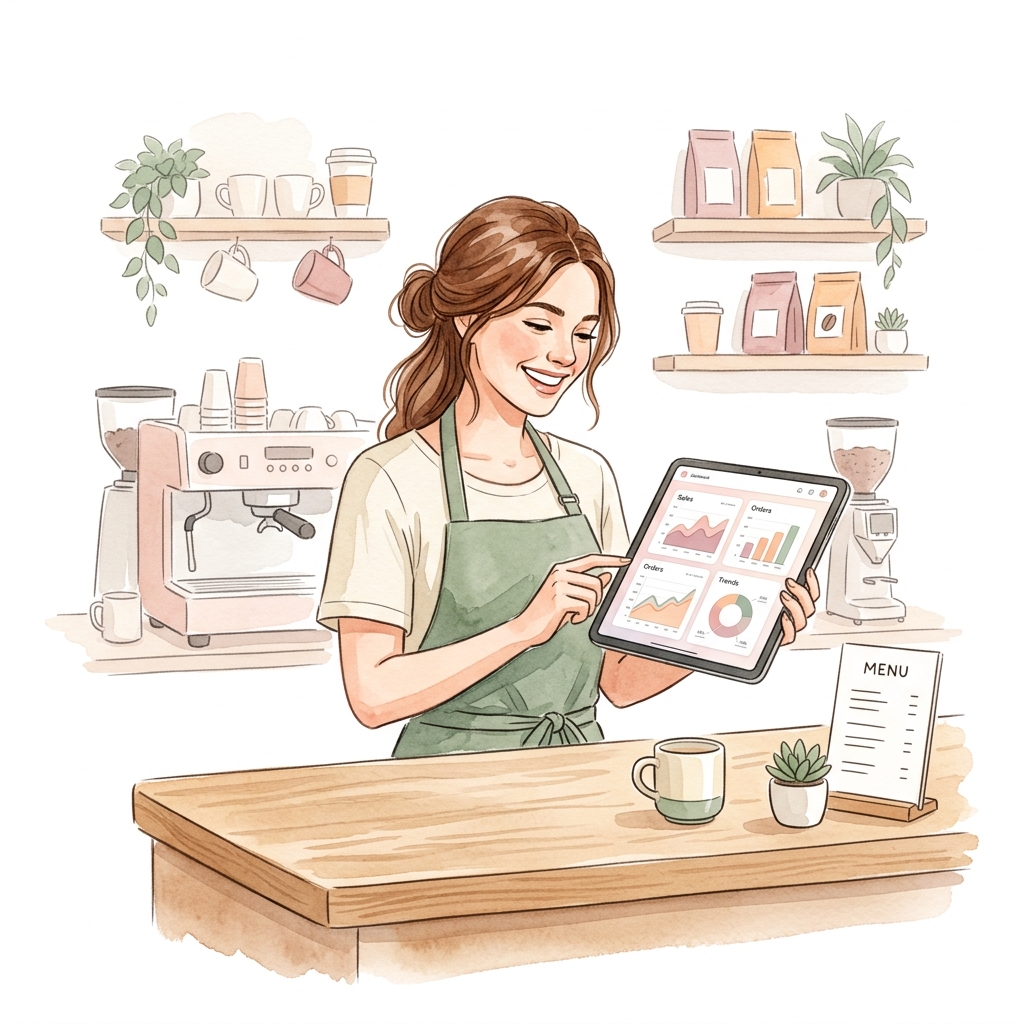
One side for the shop. One side for guests. Nothing fancy to install.
The shop
- 1Sign in with Google or email, create your shop.
- 2Add items — name, price, photo, category.
- 3Make a QR per table, print it or send the link.
- 4Take orders, change status, check reports.
The guest
- 1Scan the table QR, or tap a shared link.
- 2Browse the menu, filter by type, add to cart.
- 3Send the order. No app, no account.
The code in the link only marks which table — it is not the shop login.
Simple pricing
Need more detail?
Guides, pricing, and how to reach us.
Help Center
How to sign in, create a shop, add items, print QR codes, and take orders.
Read the guidePricing
Free covers daily work. Pro will add AI, deeper reports, and more shops.
See pricesContact
A question, feedback, or a partnership idea — write us. We usually reply in 1–2 business days.
Write to usCommon questions
What shop owners usually ask.
Doi Xiu lets you put a QR on each table so guests order from their phone, while you manage items, orders, stock, promos, and reports in one place.
Each table has its own code. Print it and leave it out. Guests scan with the camera, browse the menu, pick items, send the order. No app, no guest account.
No. The QR link opens in Chrome, Safari, or any browser. Scan and order.
Yes. Free covers items, categories, per-table QR, guest orders, POS, promos, stock, reports, cash book, customers, activity log, and permissions. No card.
Yes. One shop per location, switch from the top bar. Items, QR codes, orders, and staff stay separate. Pro will add a screen to see every location at once.
Ask like you would a person — “what sold this week” or “which orders are waiting.” It can look up numbers and create items, update orders, or change stock. Anything that writes data asks you first.
Want to take a QR order today?
Create a free account, add a few items, print a QR. No card needed.